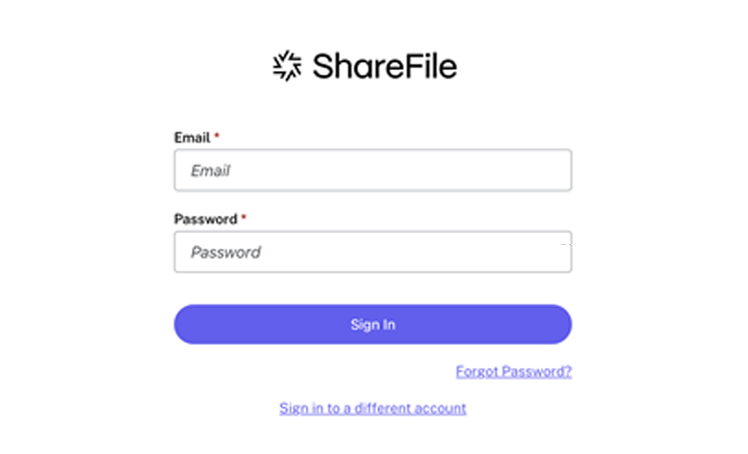
Follow these steps to upload files after creating a folder in ShareFile:
Open the folder where you want to upload your files.
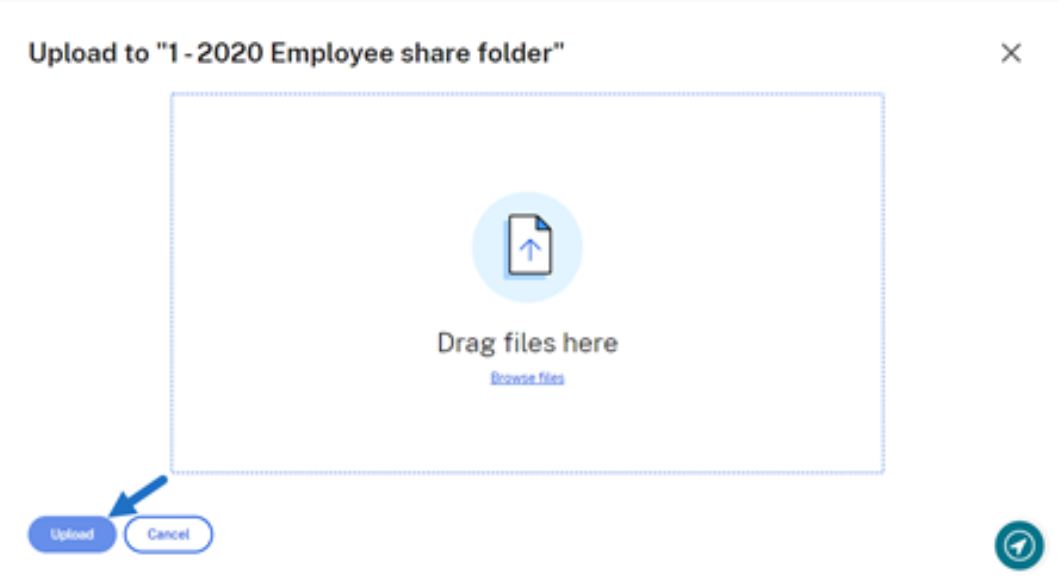
then choose Upload.
by either dragging them into the upload window or clicking Browse files to select them from your computer.
Click Upload to complete the process.