How to upload documents using your ShareFile account
Follow these steps to upload files after creating a folder in ShareFile:
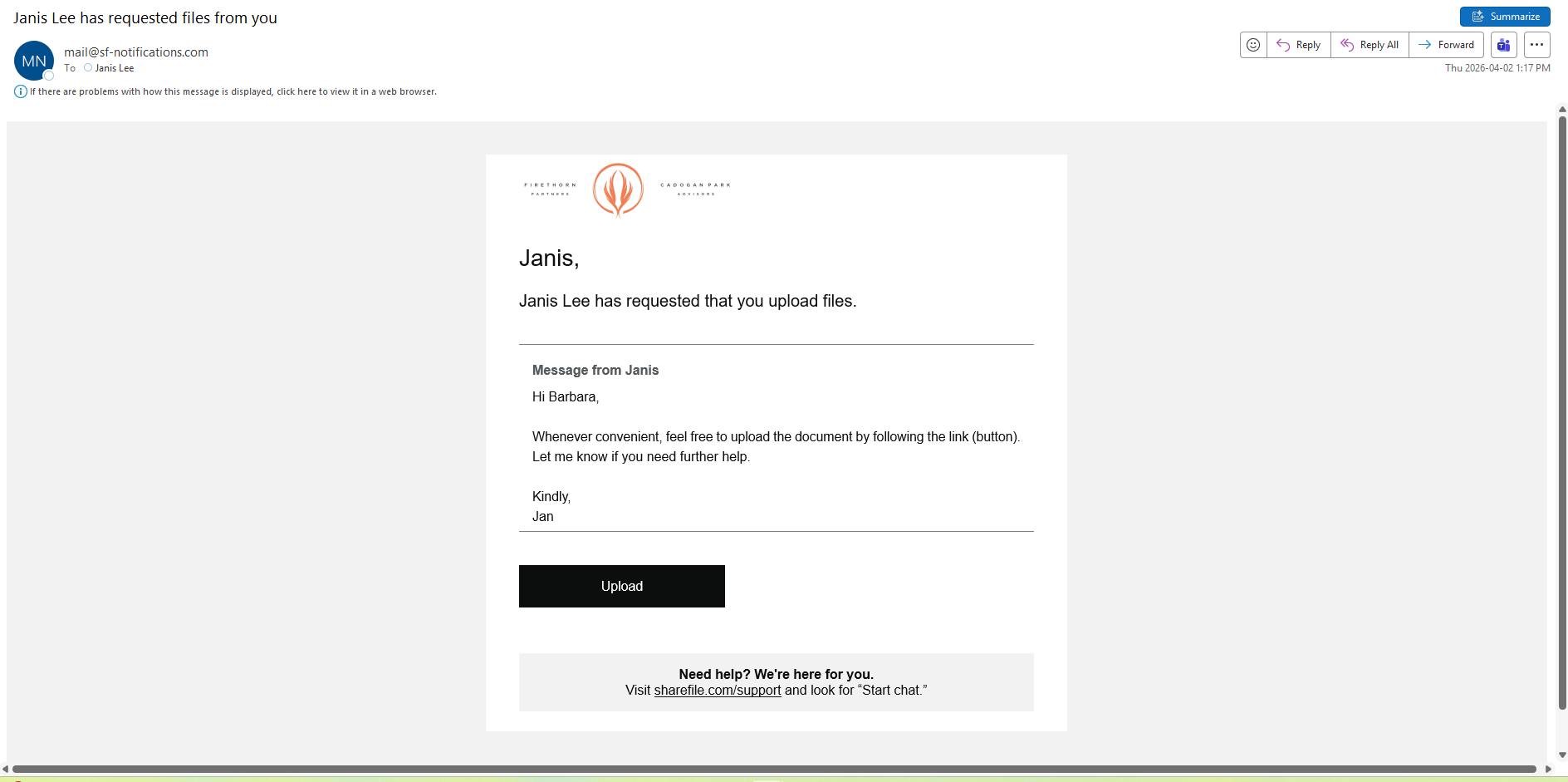
Step 1: Click the “Upload” button:
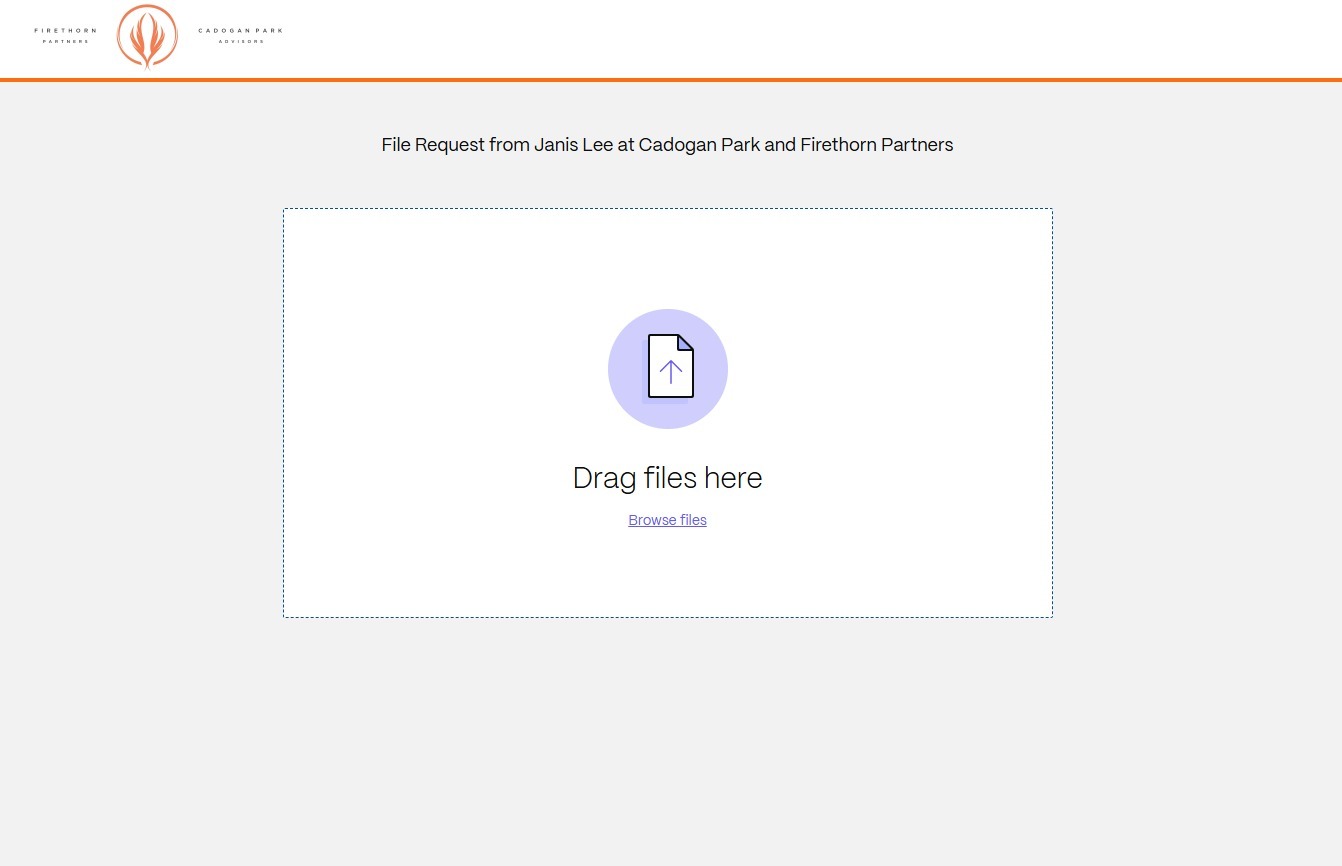
Step 2: Click “browse files” link
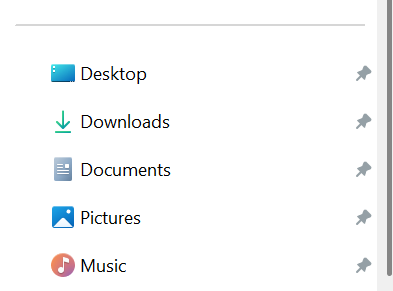
Step 3: Upload the document you want to share
Upload the document you want to share (often, we save our files in “Documents” but depending how you organize your files, the repository would entirely depend on your preference)
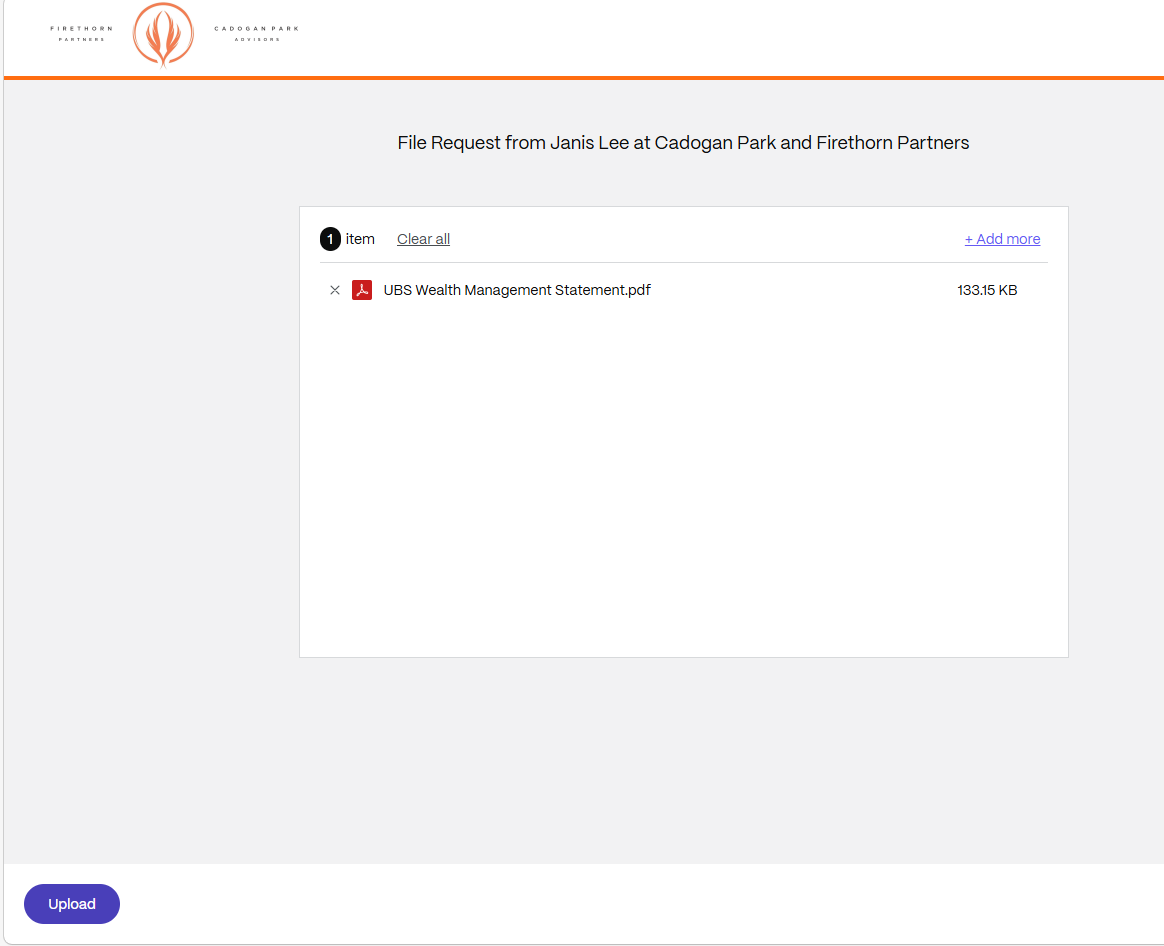
Step 4: Click the upload button on the lower left-hand side of the screen