Follow these steps to activate your account and access your client portal for the first time:
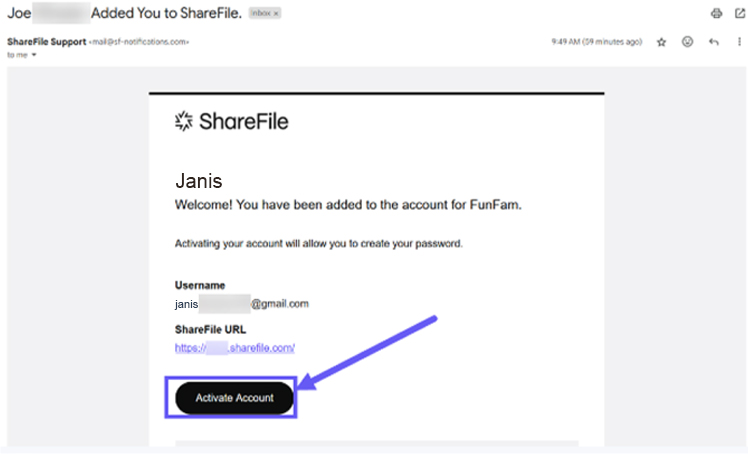
Check your inbox for the ShareFile invitation email (this may come from Brooke, Trisha, or another team member).
Click “Activate Account”.
Click “Continue” on the welcome page.
On the “How do you want to sign in?” screen:
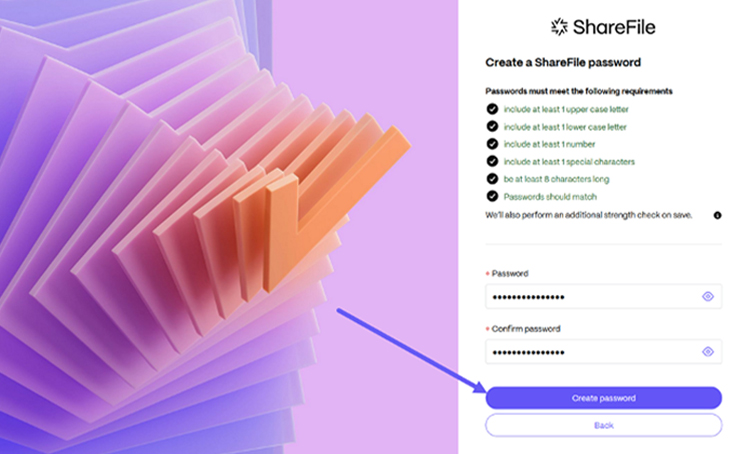
Select “Create ShareFile password” (recommended).
Enter a password that meets the listed requirements (e.g., length, special characters).
Make sure it’s secure but easy for you to remember.
Click “Create Password” to proceed.
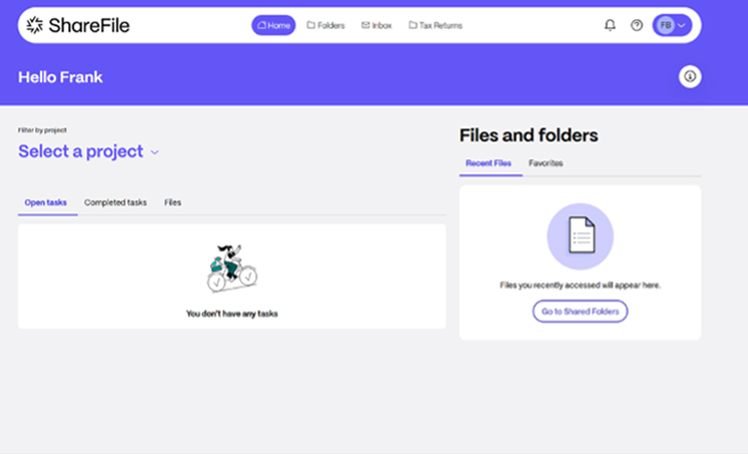
After setting your password, your ShareFile Client Portal will open.
You can now upload, download, and manage your files.